Start from a trusted address
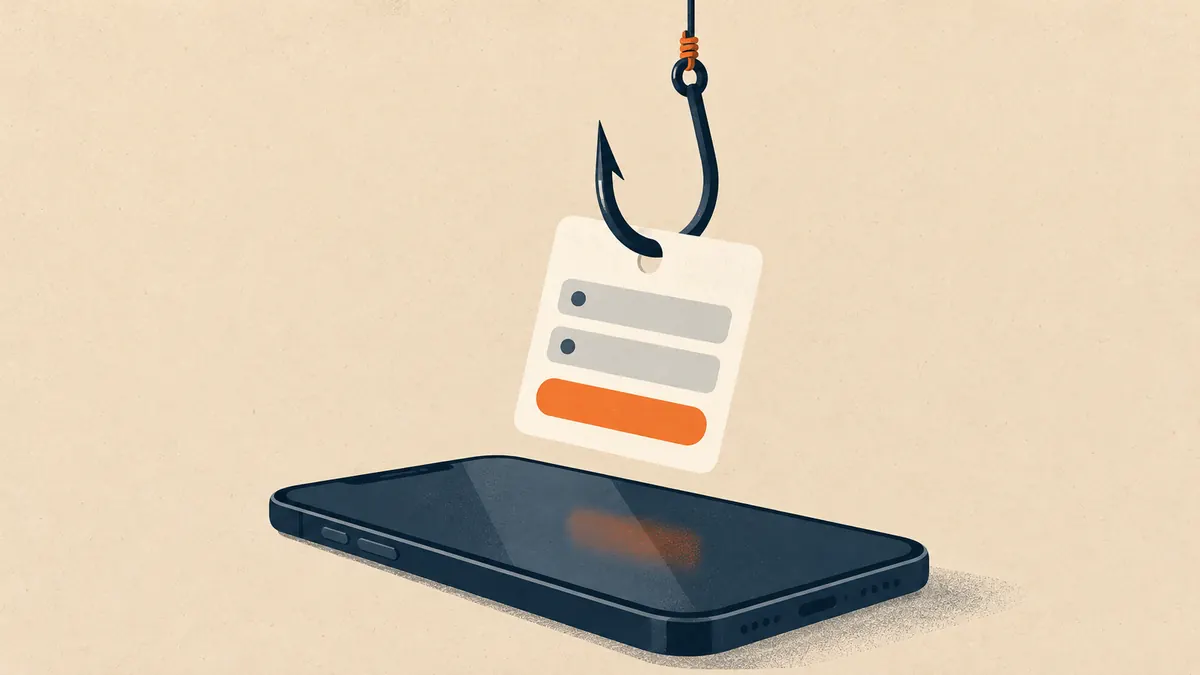
Most account takeovers begin before you ever type a password. Attackers buy search adverts for popular brand names, set up convincing login pages and wait. People searching 4xBet login are especially exposed because the name is shared by several sites and imitated by many more. The safest habit is also the simplest: reach the site through an address you typed or a bookmark you created from a source you verified, and never through an advert, a message or a comment.
Check the address bar before you enter anything. Read the full domain from right to left: the part immediately before the final ending is the real site. Extra words, hyphens, digits swapped for letters and unfamiliar endings are all warning signs. Remember that a padlock icon only shows the connection is encrypted; phishing sites have padlocks too.
Registration step by step
Prepare a dedicated email
Create or choose an email address used only for betting. It makes breaches easier to contain and phishing easier to spot.
Create a long, unique password
Use at least 14 characters from a password manager. Never reuse a password from email, banking or social media.
Enter accurate personal details
Use your real name, date of birth and address. Mismatches with your documents are the most common reason verification fails later.
Be careful with promo codes
Read the bonus terms before accepting a code. A bonus can restrict withdrawals until a wagering requirement is met.
Turn on two-factor authentication
Enable an authenticator app straight after registering, before you deposit.
Set limits immediately
Open the responsible-gambling settings and set deposit, loss and session limits while you are calm.
Verification: prepare, but do it safely
Licensed operators must confirm who you are and how old you are. That usually means a photo of a government ID, a selfie and sometimes proof of address such as a recent utility bill. Prepare clear, uncropped photos in good light, matching the name and address on your account exactly. Upload documents only inside the official website or app. If anyone asks you to send identity documents by email, a messaging app or a social media message, treat it as a scam.
Spot the fake login page
| Check | Real login | Phishing page |
|---|---|---|
| Domain | The exact address you intended | Extra words, hyphens, odd ending or swapped characters |
| How you arrived | Typed or bookmarked | Advert, message or comment link |
| Requests | Username and password, then 2FA if enabled | Card number, full ID photo or recovery phrase 'to verify' |
| Urgency | No countdown | 'Account will close in 10 minutes' |
| Errors | Rare typos | Poor grammar, mismatched logos |
Keep the account safe after you sign in
- Log out on shared or public devices and never tick "remember me" there.
- Avoid public Wi-Fi for logging in or paying; use mobile data or a trusted network.
- Review the list of active sessions and devices if the site offers it, and remove ones you do not recognise.
- Keep your phone and browser updated, and use a screen lock.
- Do not screenshot or store codes in a notes app or cloud photo album.
Your password, one-time codes, recovery phrases or remote-access links. Real support teams do not ask for them.
If something looks wrong
If you entered details on a page you now doubt, change the password immediately on the real site and on any other service where you used it. Enable two-factor authentication, check your bank statements and contact your bank if card details were entered. Report the phishing page to your browser and to the operator it imitates. For wider guidance on checking the site before you register, read is 4xBet legit, and for payment safety see deposits and withdrawals.
Frequently asked questions
What should I do if I forgot my password?
Use the password-reset link on the official site, typed or bookmarked by you, and check that the reset email comes from the same domain. Never share the reset code with anyone, including people claiming to be support.
Should I use my main email address to register?
Use an address dedicated to betting. If the site is ever breached, a dedicated address limits the damage and makes phishing emails easier to spot.
Is two-factor authentication really necessary?
Yes. It stops most account takeovers even when a password leaks. Prefer an authenticator app over SMS where the site offers it.
Why do I have to upload my ID?
Licensed operators must verify identity and age to meet anti-money-laundering rules. Upload documents only inside the official site or app, never by email or chat.